

What to Do If SnowPlus Alien Won't Charge? Gen 2 Indicator Lights & Troubleshooting Guide
When facing an issue where "SnowPlus Alien won't charge or has abnormal indicator lights," the core conclusion is: it is mostly caused by using a high-wattage phone fast charger that triggers overcurrent protection, or by poor contact due to dust buildup in the bottom Type-C port. The SnowPlus Gen 2 requires a standard 5V/1A power supply. During charging, the indicator stays solid or pulses steadily, and it stays solid or turns off once fully charged.
Charging Indicator Status Quick Reference
SnowPlus Alien Gen 2 features an upgraded interaction system. The different blinking patterns of the indicator light directly reflect the device's status:
| Indicator Light Pattern | Device Working Status | Meaning / Definition | Correct Action |
|---|---|---|---|
| Flashes 3-5 times while puffing | Battery depleted warning | Battery voltage below 3.3V cutoff protection | Connect to a charging device immediately |
| Solid on / slow breathing while plugged in | Charging normally | Circuit connected, battery is recharging | Leave to charge undisturbed for 40-50 minutes |
| Indicator completely off when plugged in | Circuit open or overvoltage protection | Charger spec mismatch or poor contact | Switch to a 5V/1A charger and cable |
| Rapid blinking without heating when puffing | Airflow overload or short circuit | Short circuit detected or overtime puff protection | Stop puffing and let it sit for 2 minutes before trying again |
Won't Charge? Step-by-Step Self-Check and Solutions
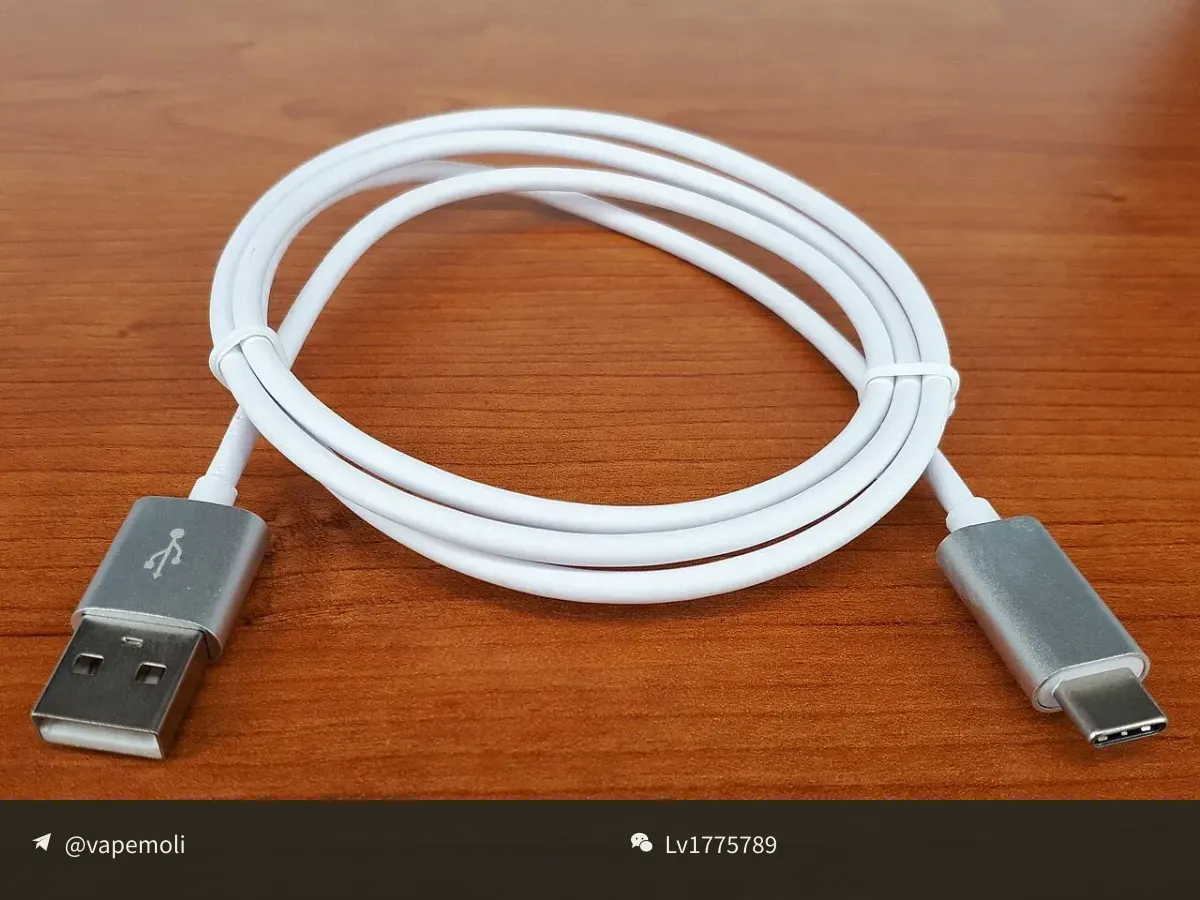
Step 1: Check the Charging Adapter and Cable (The Core Issue for 90% of Users)
Fast-charging adapters for modern smartphones (such as 40W, 65W, 120W) all support high-voltage fast-charging protocols. The Alien uses a small-capacity lithium battery power management chip that is incompatible with fast-charging handshake protocols; when connected, it will automatically activate its protection mechanism to cut off input power.
Correct Action: Switch to a computer USB port, a car charging port, or an older 5V/1A standard charger.
Step 2: Clean the Type-C Port
The Alien is often carried in pockets, making it easy for cotton lint or dust to accumulate in the bottom port, leading to poor pin contact.
Correct Action: Disconnect from power, then use a dry soft-bristled toothbrush or an air blower to clean the inner cavity of the port. Never use metal pins or needles to scrape it directly.
Self-Check Process for No Vapor or Burnt Taste
Troubleshooting Steps for No Vapor:
1. Does the indicator light turn on? ── Off ── Battery is dead; recharge the device
                                   └── On  ── Proceed to next step
2. Is the bottom air intake blocked? ── Peel off bottom dust sticker; keep fingers clear of the hole
3. Is there a gurgling sound when puffing? ── Excess condensation; flick downward with mouthpiece facing down, then try again
If you take deep puffs immediately after charging, the battery is at a high saturation voltage, which can cause sudden overheating and a slight burnt taste. After unplugging the cable, it is recommended to let the device rest for 1 to 2 minutes to allow the e-liquid to fully saturate before vaping.
Frequently Asked Questions (Q&A)
Q1: How long does it take to fully charge the SnowPlus Alien Gen 2?
A1: With a standard 5V/1A power supply, it typically takes 40 to 60 minutes from empty to full. Overnight charging is not recommended in order to protect battery lifespan.
Q2: Can I vape while charging (pass-through vaping)?
A2: Vaping while charging is not recommended. The device naturally warms up slightly during charging, and puffing causes the coil to heat up rapidly. This dual heat buildup can easily damage the chip or burn the coil.